Introduction
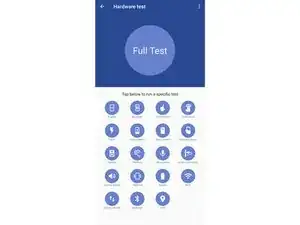
Suivez ce guide pour tester le hardware (matériel) de votre téléphone Motorola.
-
-
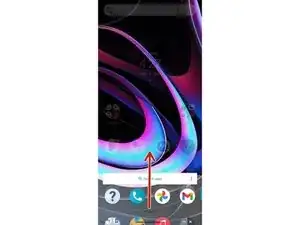
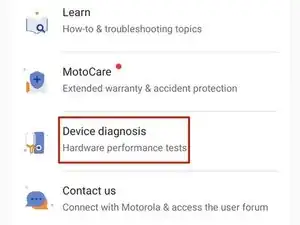
Dans l'écran d'accueil, balayez vers le haut depuis le bas du téléphone, pour ouvrir le menu des applications.
-
-
-
Vous pouvez maintenant sélectionner le test matériel que vous souhaitez effectuer, ou vous pouvez effectuer un test matériel complet.
-



3 commentaires
is built using the open source software libraries listed below. These libraries are distributed under associated licenses, acknowledgements and required copyright notices also listed below:
Thank you for your help and approval
What if my Motorola phone doesn't have the device help in the app menu then how do I go about running diagnostics on it OH and Just so you know I don't have any mobile data connection so I can't use the phone codes.