
Introduction
In this guide, you will be able to go through step-by-step on how to replace your device's battery. First, we recommend you watching this video.
Pièces

-
-
Open the kickstand.
-
Remove the four 3 mm T5 Torx-head screws that secure the display assembly.
-
-
-
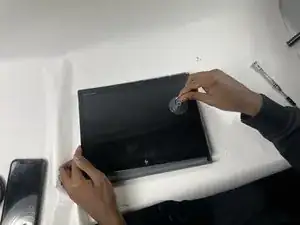
Use a suction sup to carefully detach the display assembly in the following order: top-right corner, top-left corner, bottom-right corner and bottom-left corner.
-
-
-
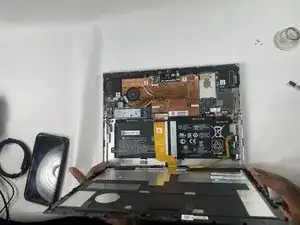
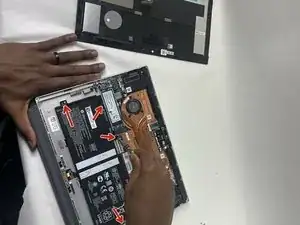
Slowly lift the display panel until you have access to the battery connector on the motherboard (approx. 90 degrees).
-
-
-
Disconnect the battery cable from its motherboard connector.
-
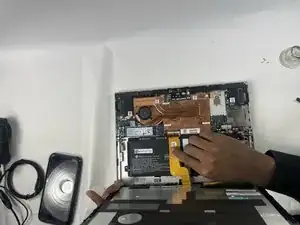
Remove the tape that covers the touchscreen and display panel ZIF connectors.
-
-
-
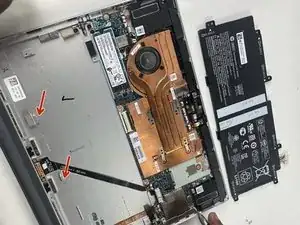
Disconnect the touchscreen ribbon cable from the motherboard.
-
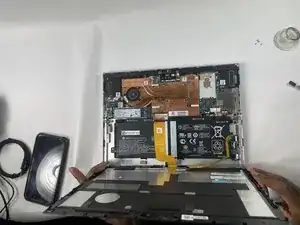
Remove the display panel assembly.
-


To reassemble your device, follow these instructions in reverse order.
