Introduction
Ce tutoriel vous enseignera comment remplacer le disque dur dans un ordinateur portable Toshiba Satellite A305-S6848.


-
-
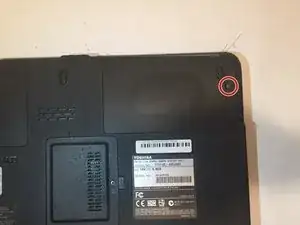
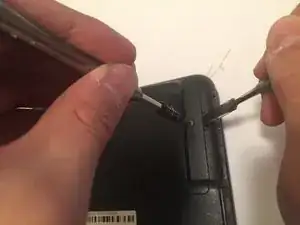
Retirez la vis cruciforme n° 0 de 5,8 mm avec un tournevis cruciforme n° 0 tout en faisant levier sur le cache en plastique à l’aide d’un spudger métal.
-
-
-
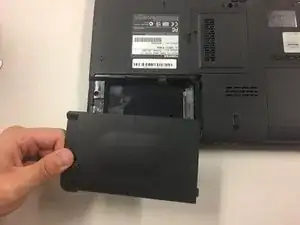
Retirez le cache en plastique.
-
Tirez sur la languette grise pour retirer le disque dur de son compartiment.
-
Conclusion
Pour remonter votre appareil, suivez ces instructions dans l’ordre inverse.

Un commentaire
Note: There are two hard drives in this machine. One has a single screw holding it in place within the compartment, and is very straightforward. The other has two screws. After removing the latter, the drive compartment pulls out, sliding over the now empty screw holes.