Introduction
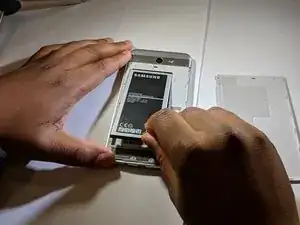
This is a guide to replacing the battery of a Samsung Galaxy J7 Max. The replacement is very easy, due to the simple design of the phone's backing
NOTICE: If your battery looks swollen, punctured, or leaking, please refer to this article on swollen battery safety
Outils

Pièces
-
-
Use the indent on the right side of the phone to lift up the backing
-
With the phone faced downwards, remove the backing of the case, lifting up from the right side
-


Conclusion
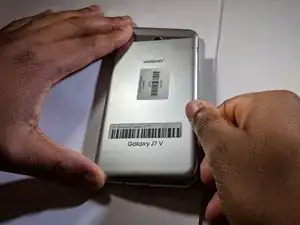
To reassemble your device, follow these instructions in reverse order.

Un commentaire
Merci beaucoup