Introduction
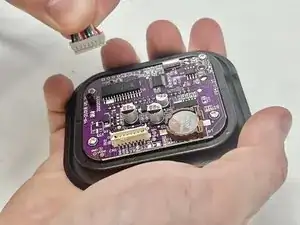
If your Voluas VL001 pet feeder's display is not working or dispenses food at irregular times, you may have an issue with your screen/motherboard assembly. The display and motherboard are attached to each other and are situated above the feeding chute.


-
-
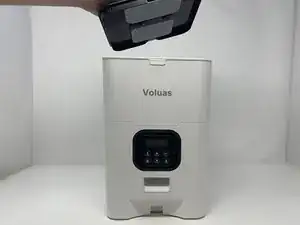
Remove the lid to the storage tank by using the latch and lifting off.
-
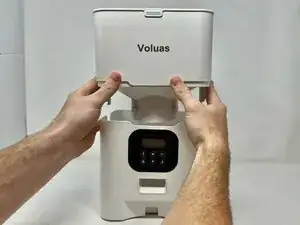
Grab the food storage tank on both sides. Depress the tabs that say "Push" on them and lift the tank off.
-
-
-
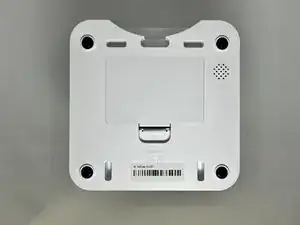
Place your pet feeder upside down.
-
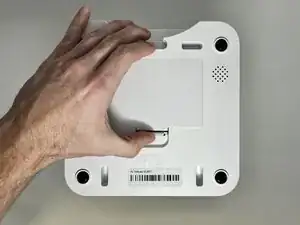
Squeeze the lock and remove the battery cover.
-
Remove the three 1.5V D alkaline batteries.
-
-
-
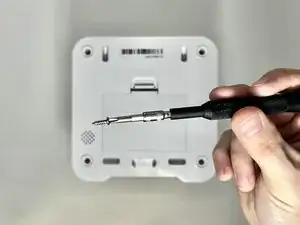
Remove four screws from the corners of the device using a Phillips #2 screwdriver.
-
Using the magnetic tip of the screwdriver, carefully lift the screw out of the hole.
-
-
-
Turn the device over so it is oriented right-side up.
-
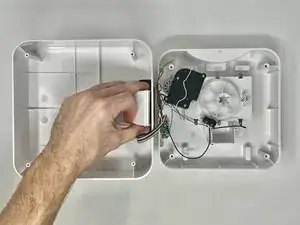
Lift the top part of the feeder off, exposing the mechanisms that run the feeder.
-
-
-
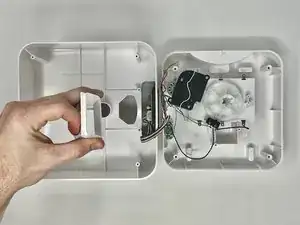
With the top part of the feeder sitting upside down, you can remove the chute.
-
Using a Phillips #2 screwdriver, remove the two 11.1 mm screws on either side of the chute.
-
-
-
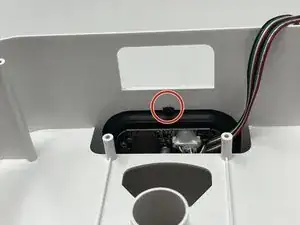
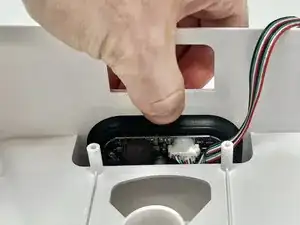
Using your finger, depress the tab that holds the assembly onto the device.
-
While pushing the tab down, push the screen out of the device.
-
-
-
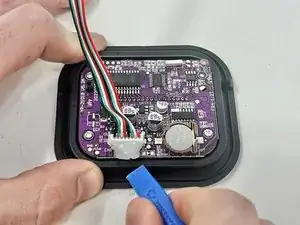
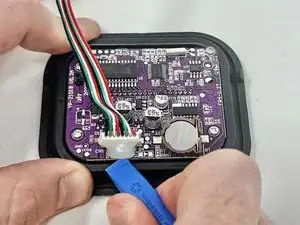
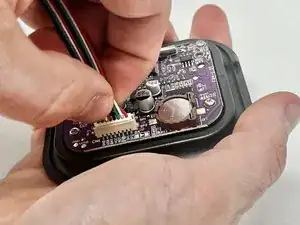
Using an opening tool, pry the dried silicone from around the connector.
-
If needed, peel any remaining glue off with your fingers.
-









To reassemble your device, follow these instructions in reverse order.