Introduction
Replacing the SIM card in a phone might be necessary due to damage, wear, or when upgrading to a new SIM card from a different carrier. Physical damage or wear to the SIM card can cause connectivity issues, affecting network reception and data transfer.
Upgrading to a new SIM card might be required for improved network services, compatibility with newer technologies, or when switching to a different mobile carrier for better plans or coverage.
Outils

-
-
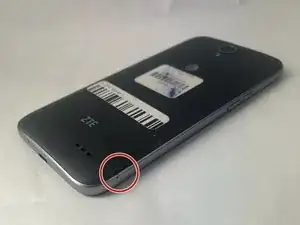
Locate the small indent on the back right bottom corner of the phone.
-
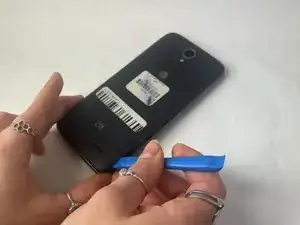
Put the pry tool or your fingertip inside the small gap on the bottom right of the back of the phone and pop up the cover.
-
Continue to go around the phone until the cover is completely off the back of the pull and put it aside.
-
-
-
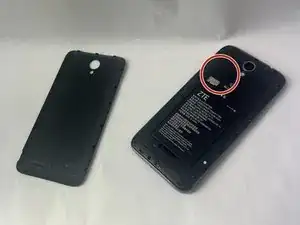
Locate the SIM Card slot on the upper left middle of the phone.
-
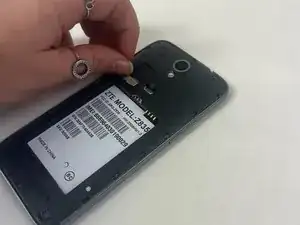
Remove the SIM card carefully from the back of the phone by gently sliding the card up and lifting it. Put the SIM to the side.
-
Gently pop in the new sim card where the old one was just removed.
-

To reassemble your device, follow these instructions in reverse order.
